 BizSpring
Swagger文档配置
本系统支持「微服务 / 单体」双模式部署,可切换。下文 @SpringCloudApplication 为微服务模式各服务启动类注解;单体模式启动类 BizSpringBootApplication 为普通 @SpringBootApplication,Swagger 文档聚合在 9929 端口。
快速使用
- 在pom.xml中引入
<dependency>
        <groupId>cn.bizspring</groupId>
        <artifactId>bizspring-base-swagger</artifactId>
</dependency>- 启动类中增加@BaseEnableSwagger注解
@BaseEnableSwagger
@SpringCloudApplication
@EnableBaseFeignClients
@EnableBaseResourceServer
public class BizSpringOrderApplication {
	public static void main(String[] args) {
		SpringApplication.run(BizSpringOrderApplication.class, args);
	}
个性化配置
- application-dev.yml配置文件
yaml
#swagger公共信息
swagger:
  title:  API
  description: bizspring
  license: Powered By bizspring
  licenseUrl: http://www.bizspring.cn/
  terms-of-service-url: http://www.bizspring.cn/
  authorization:
    name: OAuth
    auth-regex: ^.*$
    authorization-scope-list:
      - scope: server
        description: server all
    token-url-list:
- http://localhost:9929/auth/oauth/token文档查看及调试
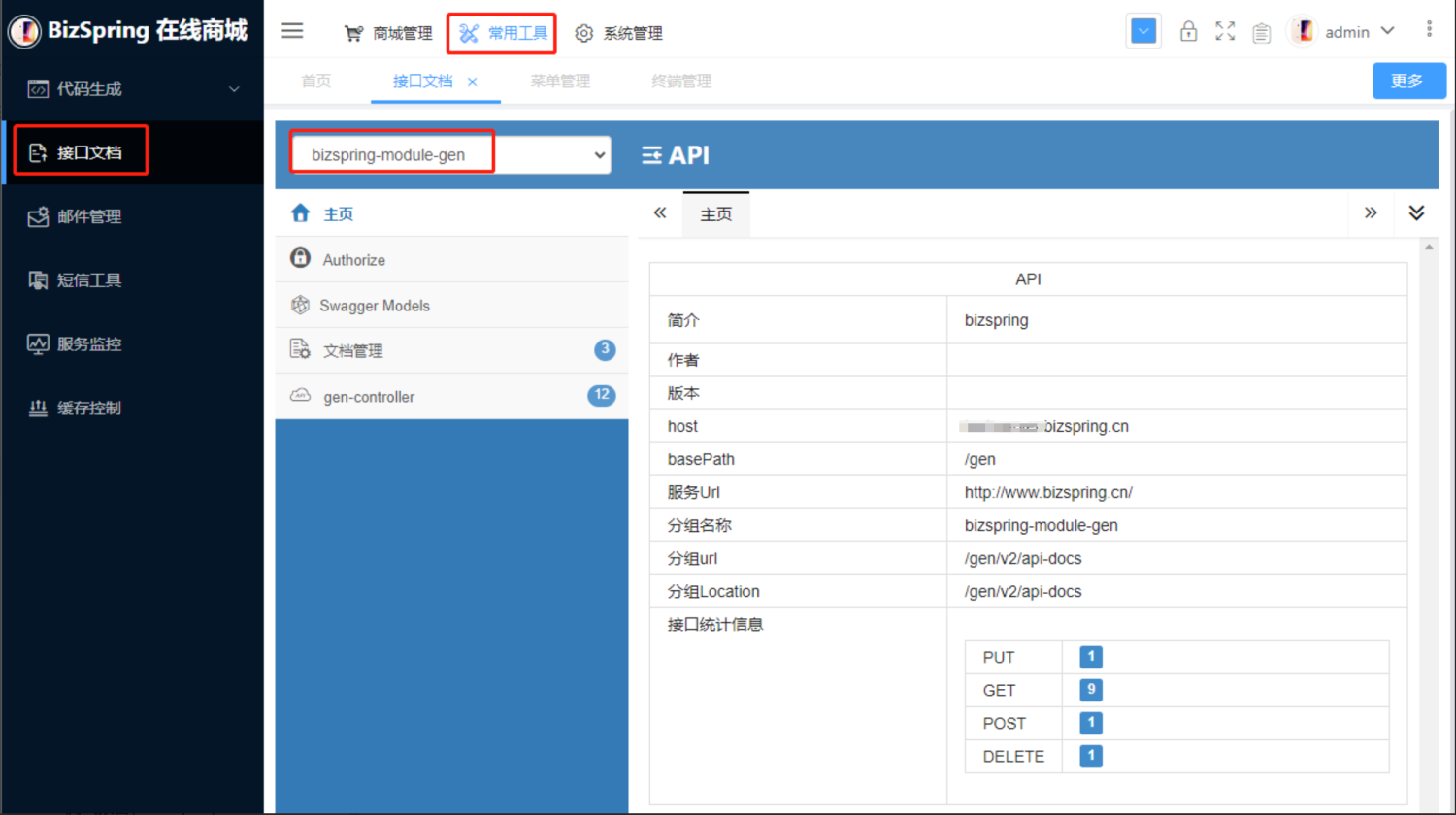
- 后台查看接口文档
- 接口调试,由于前后端都有验权校验,需使用postman工具